
PRINTING GUIDE
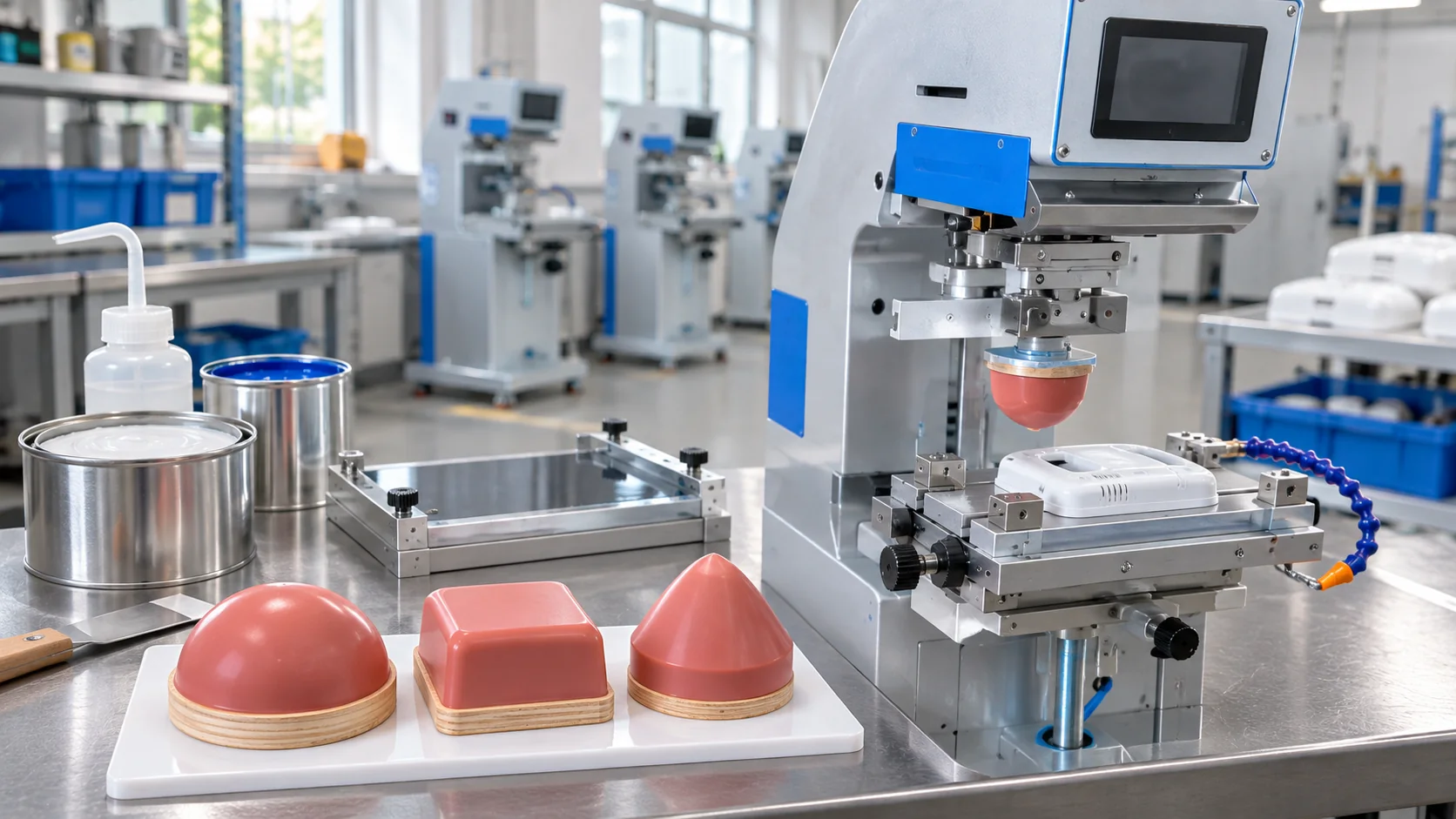
How to choose a pad printing silicone pad
Understand the role of pad shape, hardness and contact with the product.
Read the guidePractical guides to pad, screen and hot stamping, materials, inks and equipment selection.
The same logo can require different preparation on different products. Start with the surface shape and material, then consider print dimensions, colours and quantity. These guides help you prepare a clearer equipment or printing-service enquiry.
Start with the right questions about your product, print area and production needs.
Understand the role of pad shape, hardness and contact with the product.
Read the guide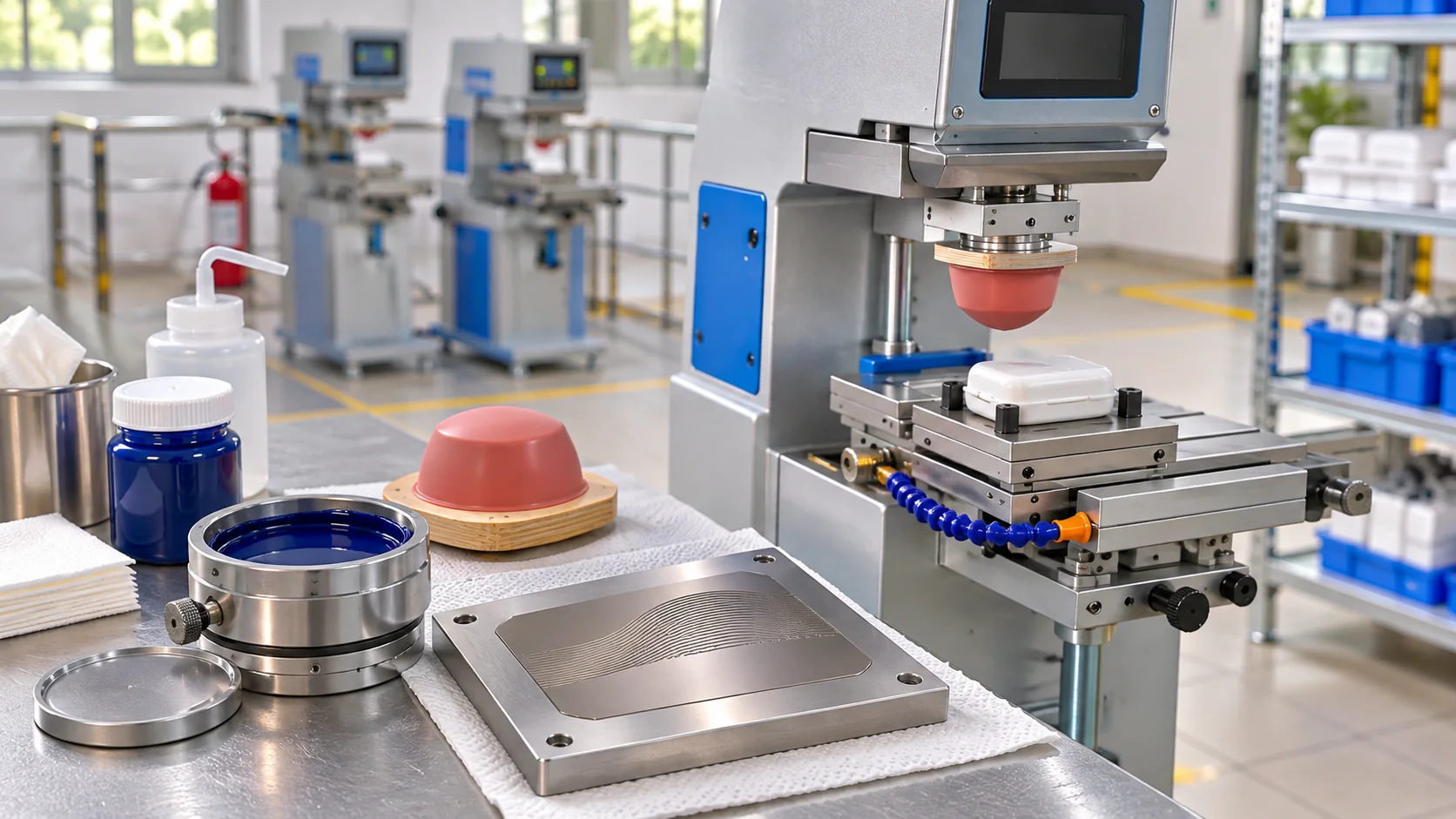
Understand artwork, plate dimensions and proofing before production.
Read the guide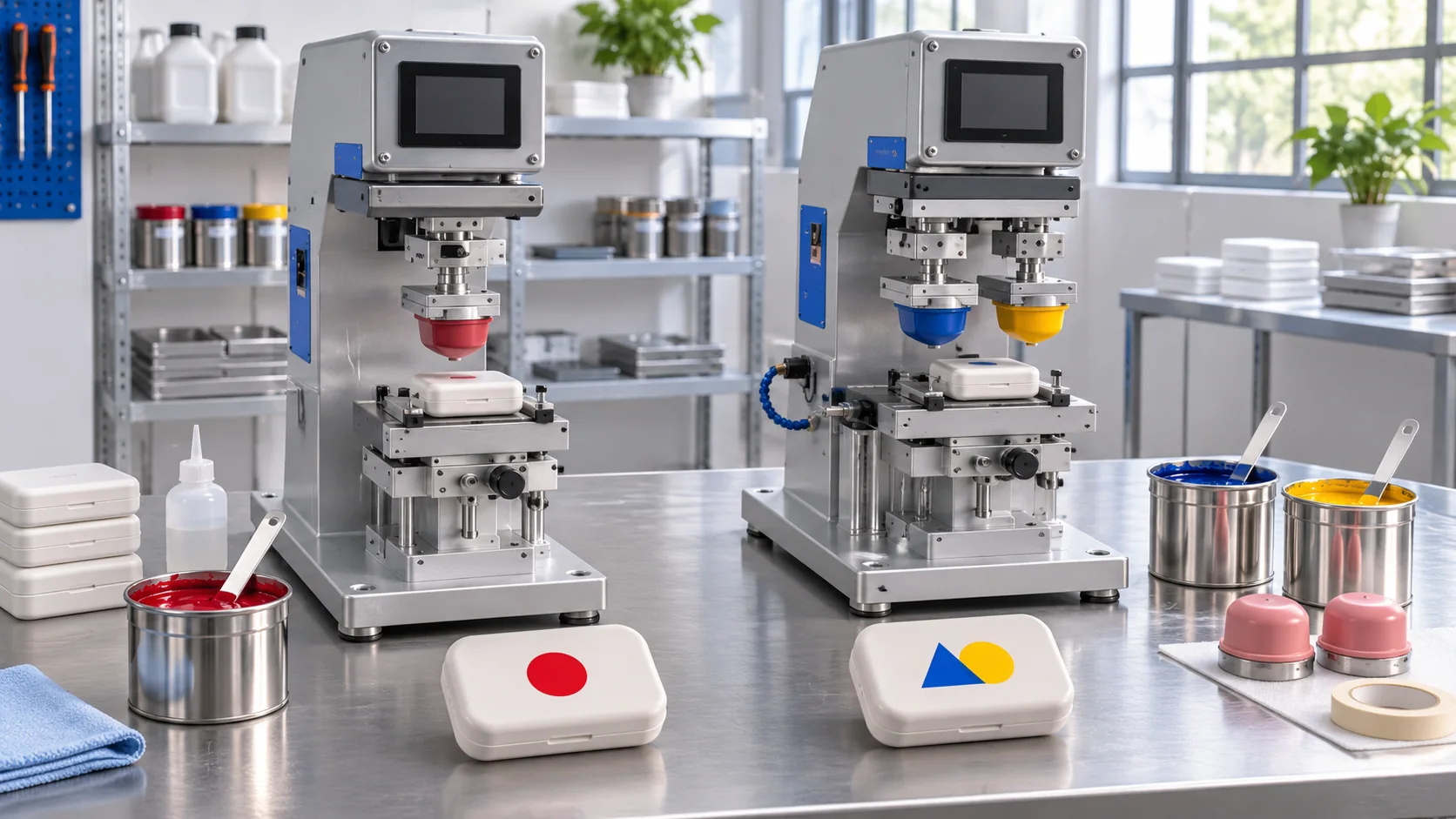
Plan colour separation, print order and registration before production.
Read the guide
See how a fixture supports positioning and repeatable print preparation.
Read the guide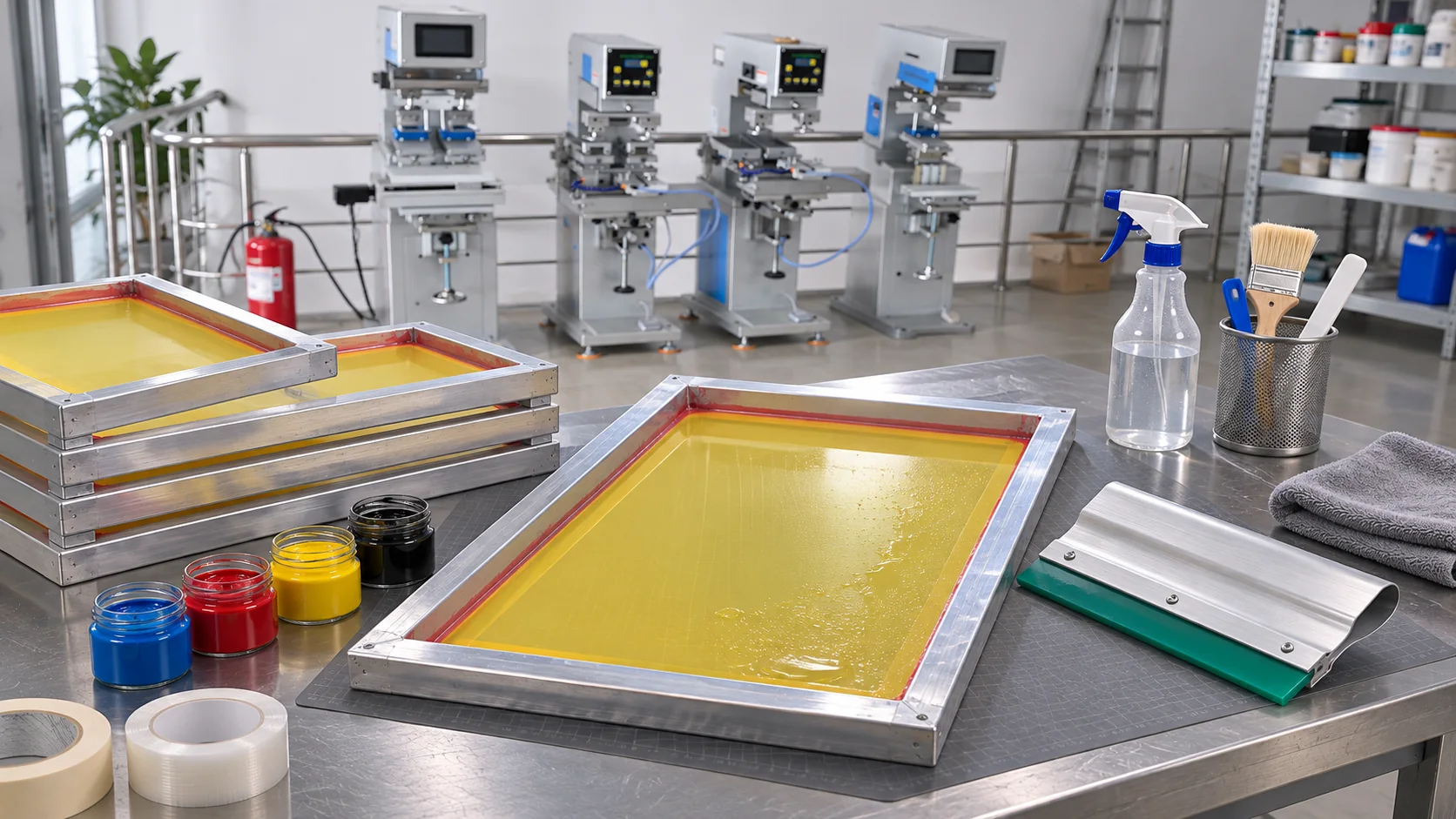
Learn what the mesh and squeegee do and what to consider when choosing them.
Read the guide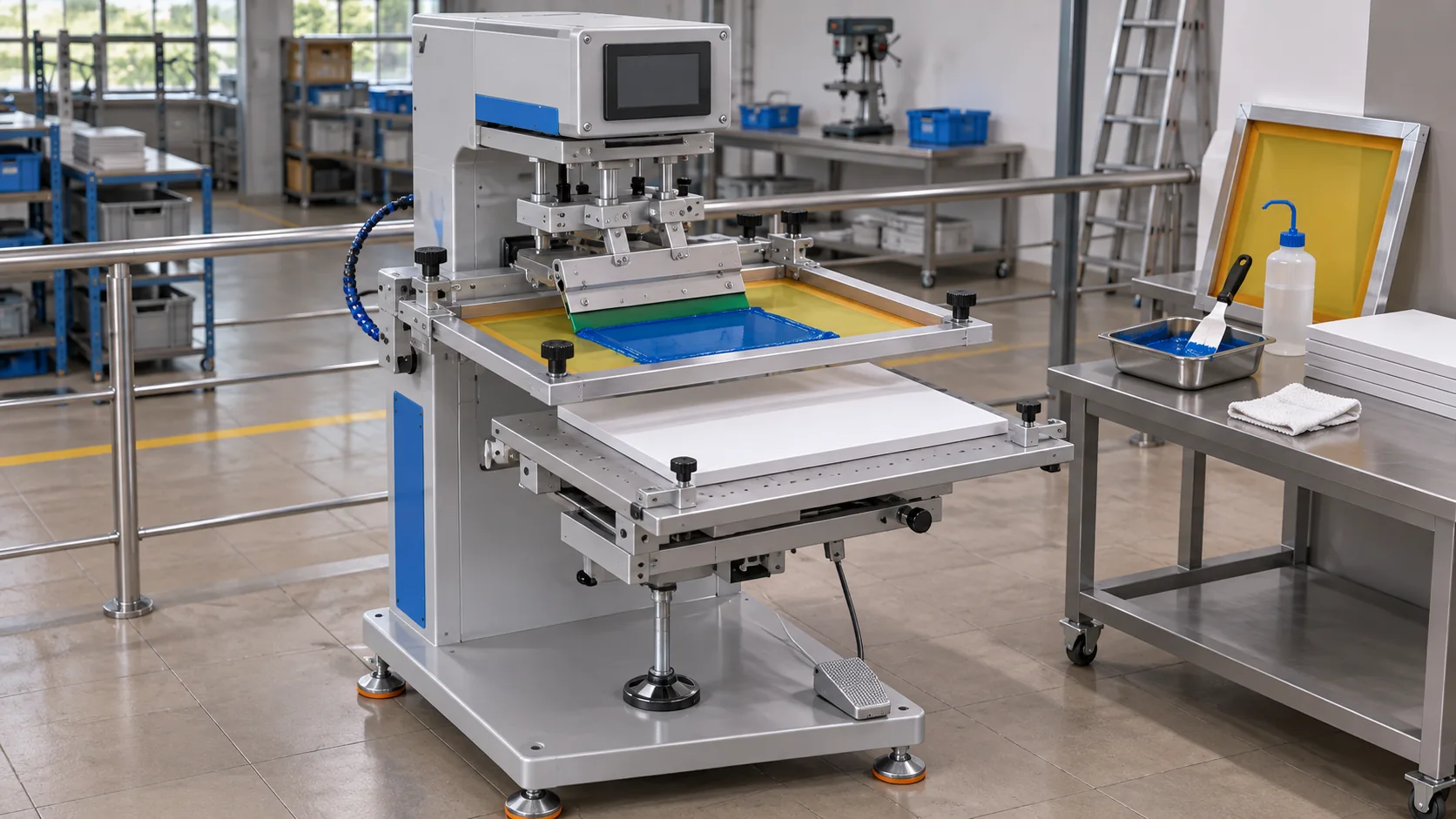
Plan print area, surface support and positioning for flat products.
Read the guide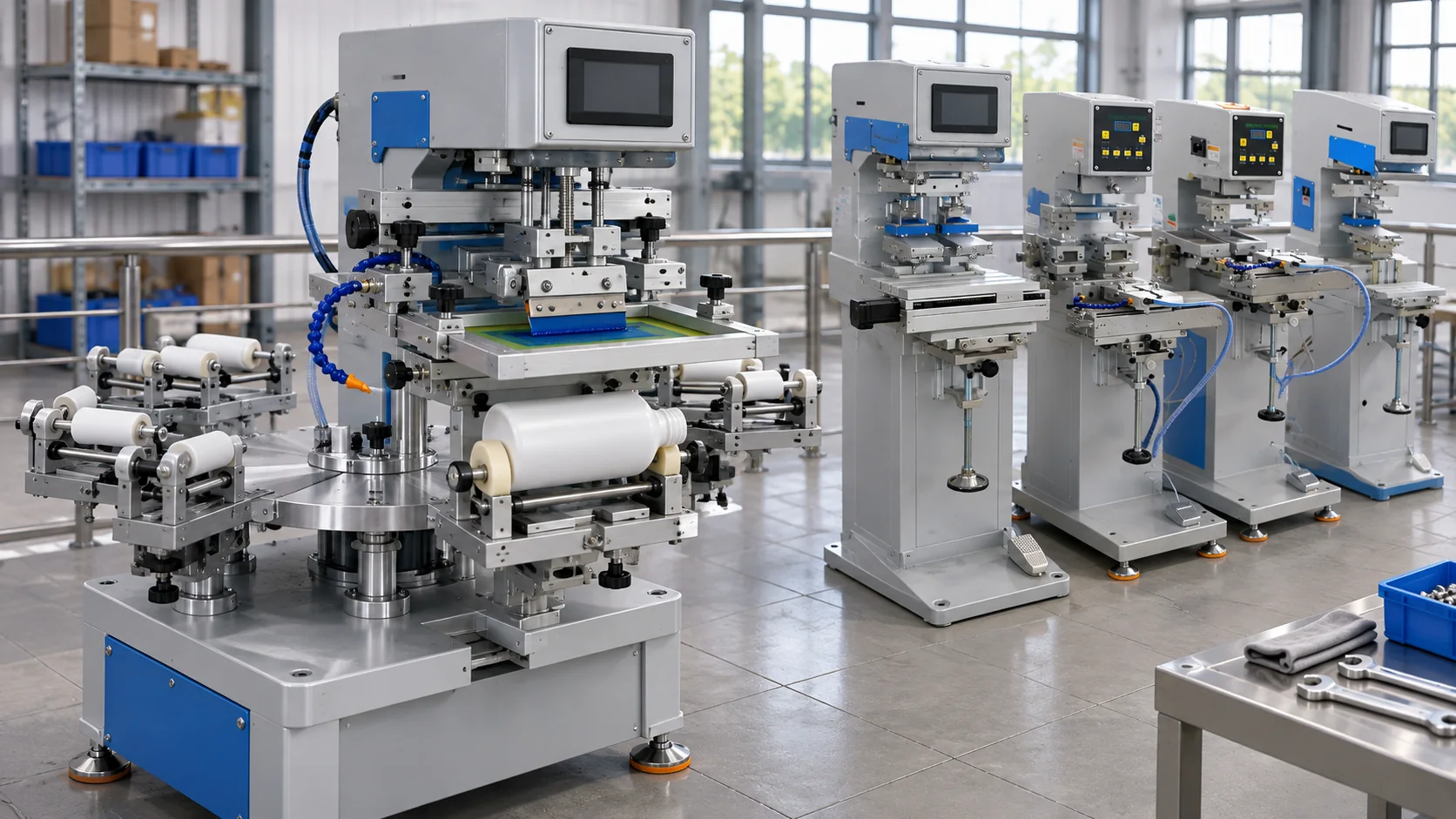
Understand diameter, print position and fixturing for cylindrical products.
Read the guide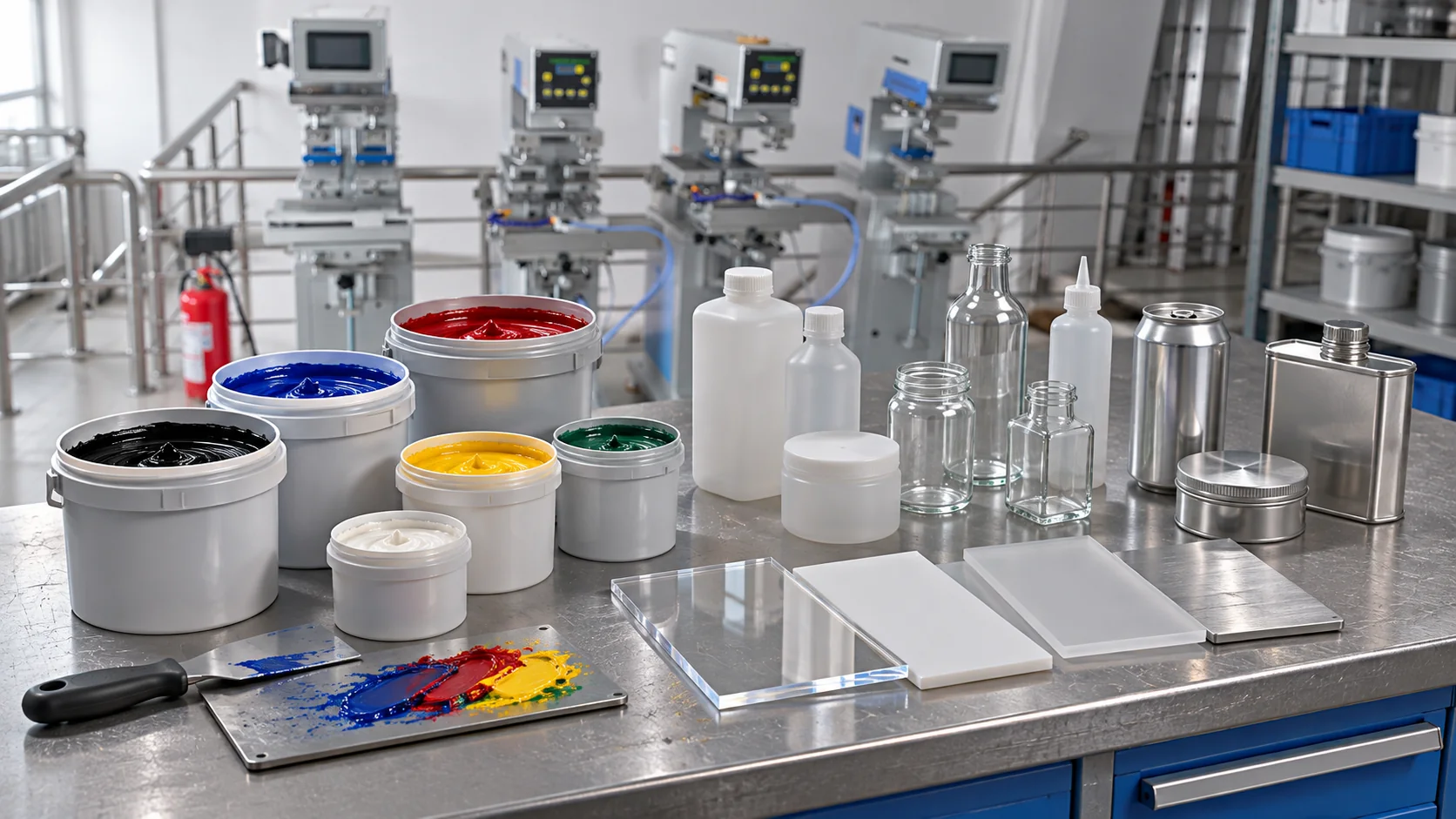
Consider plastic, glass, metal and coatings when choosing an ink system.
Read the guide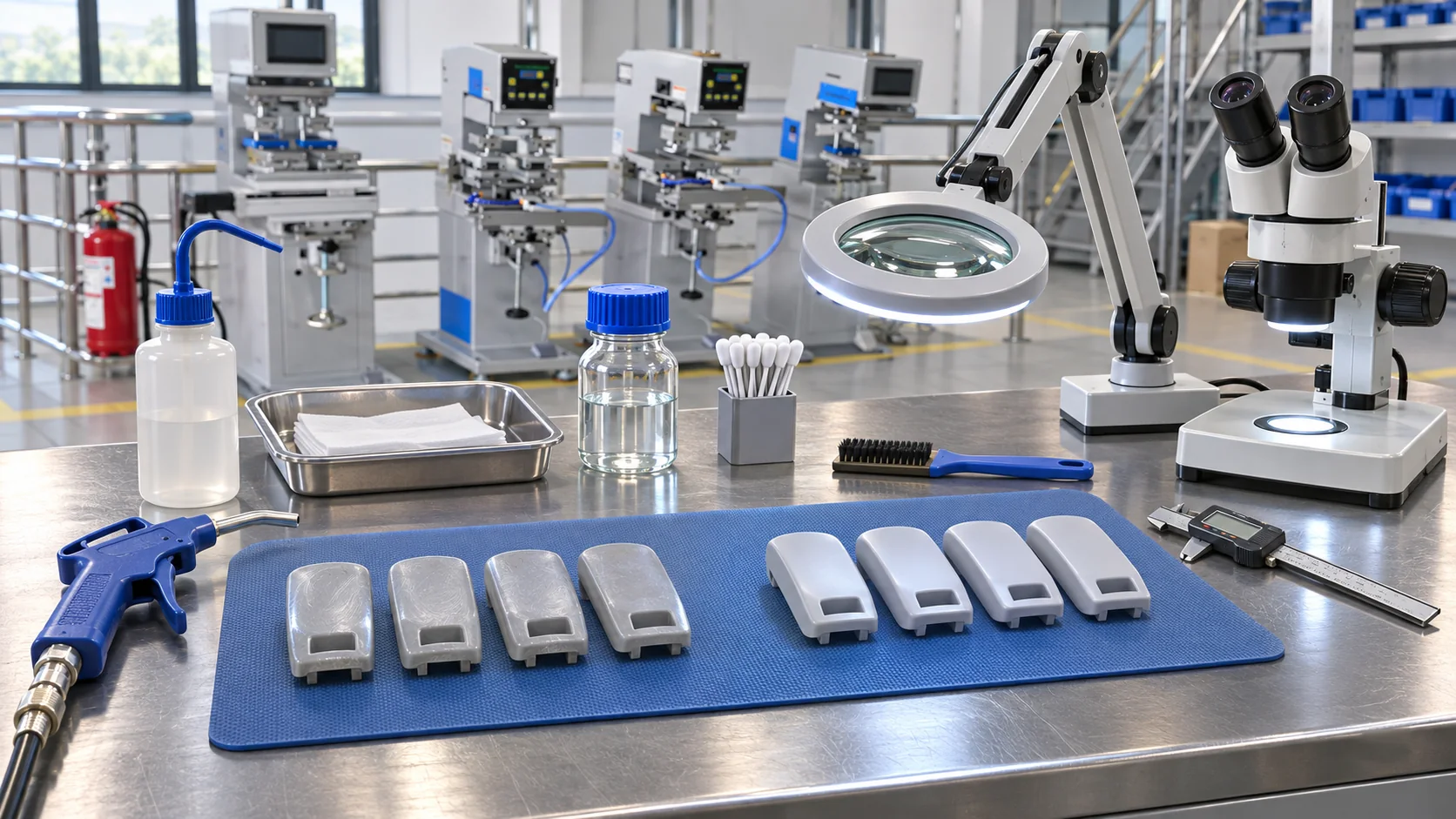
Review material identification, cleanliness and possible pretreatment.
Read the guide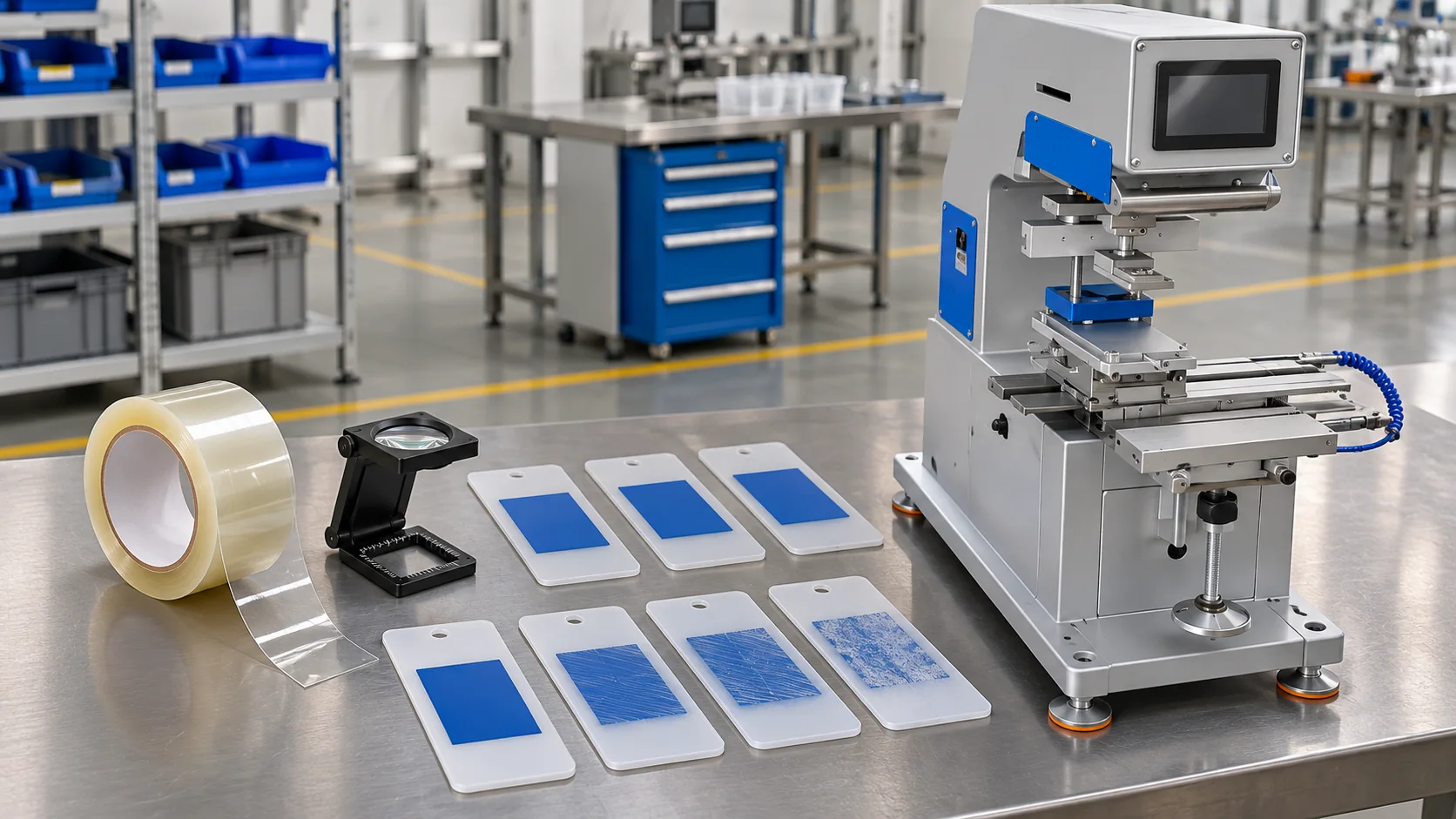
Consider samples, curing and intended use when assessing print adhesion.
Read the guide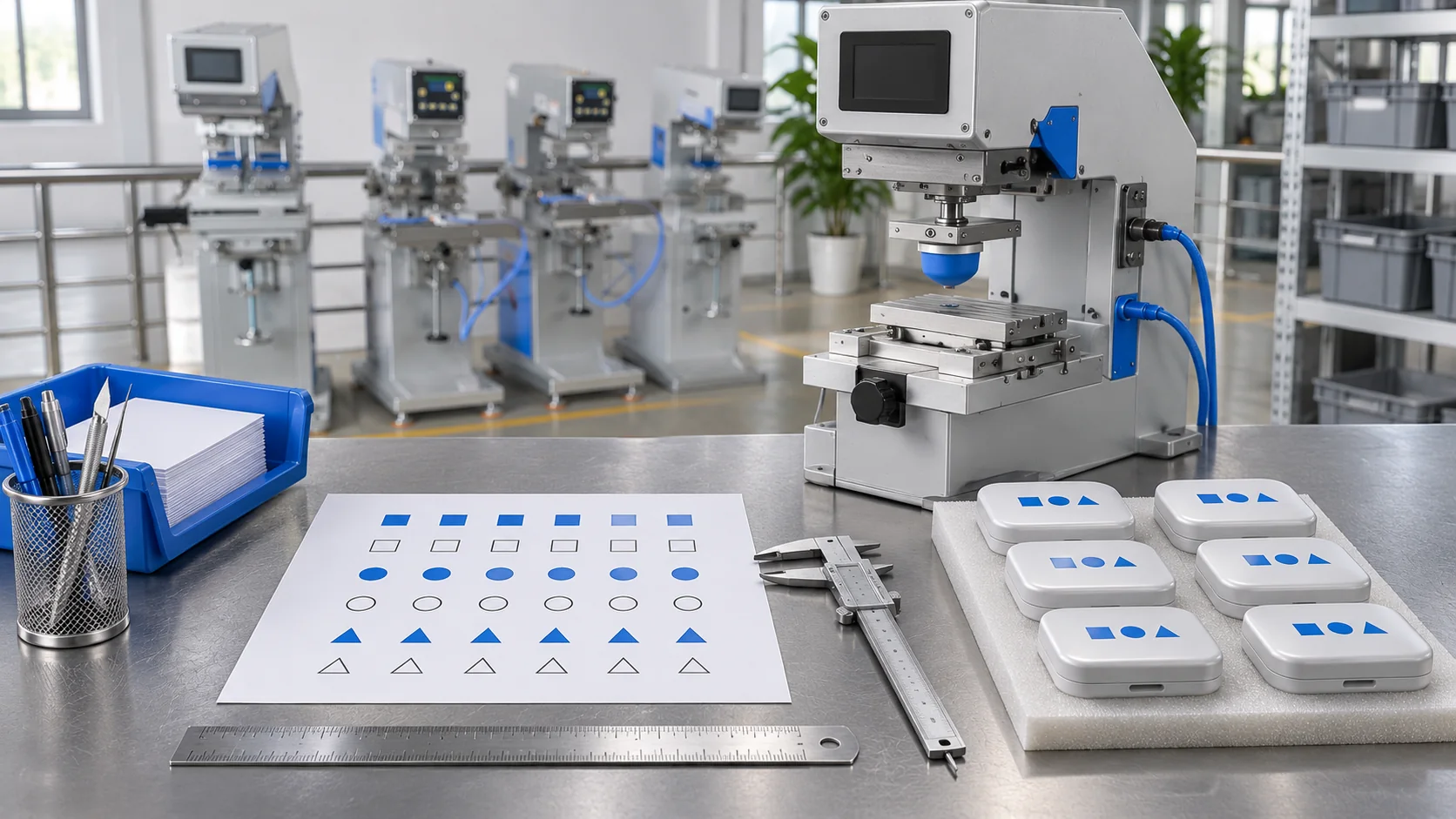
Plan actual print size, vector artwork, colour separation and fine details.
Read the guide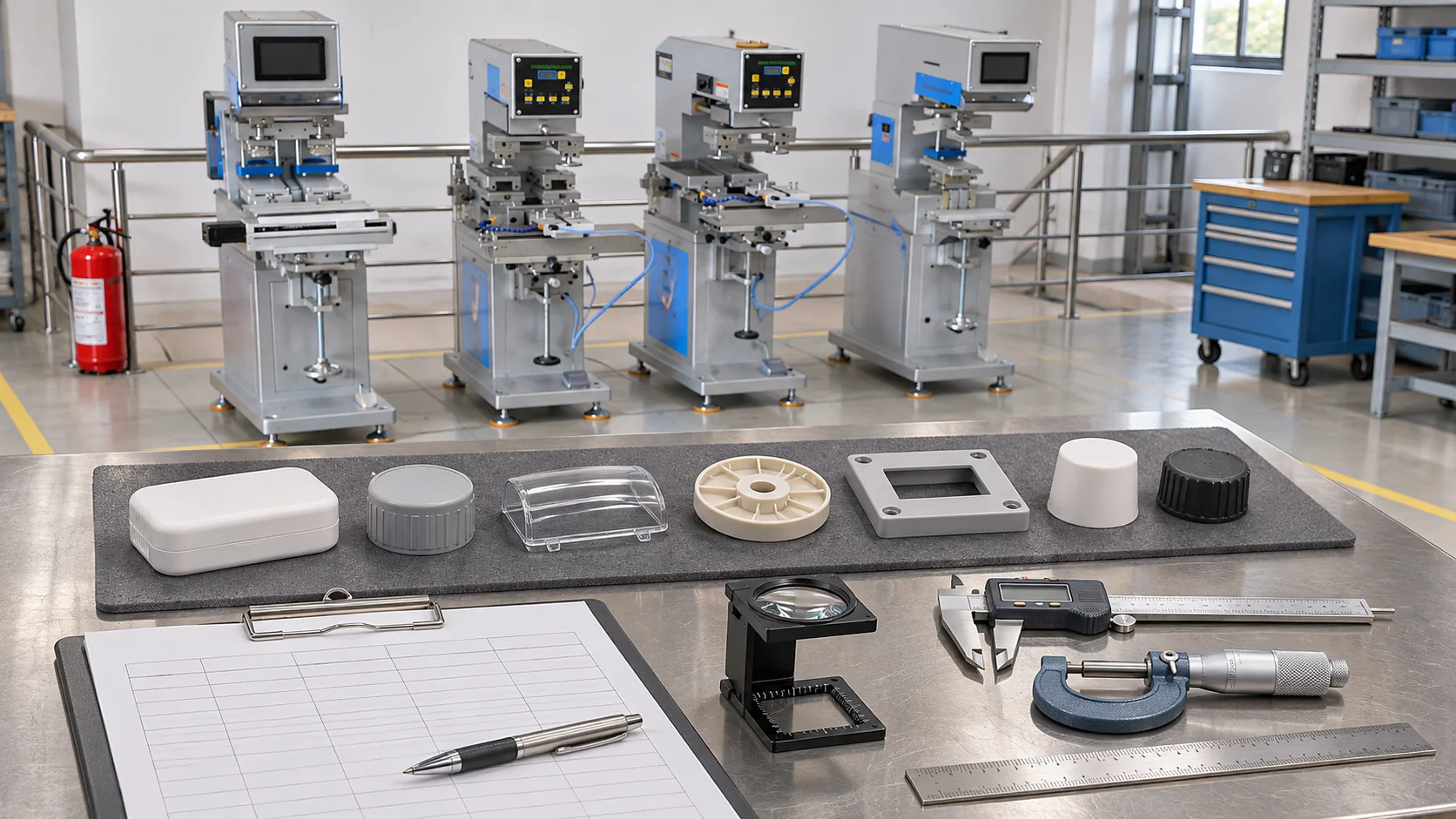
Clarify expectations from the product sample through production approval.
Read the guide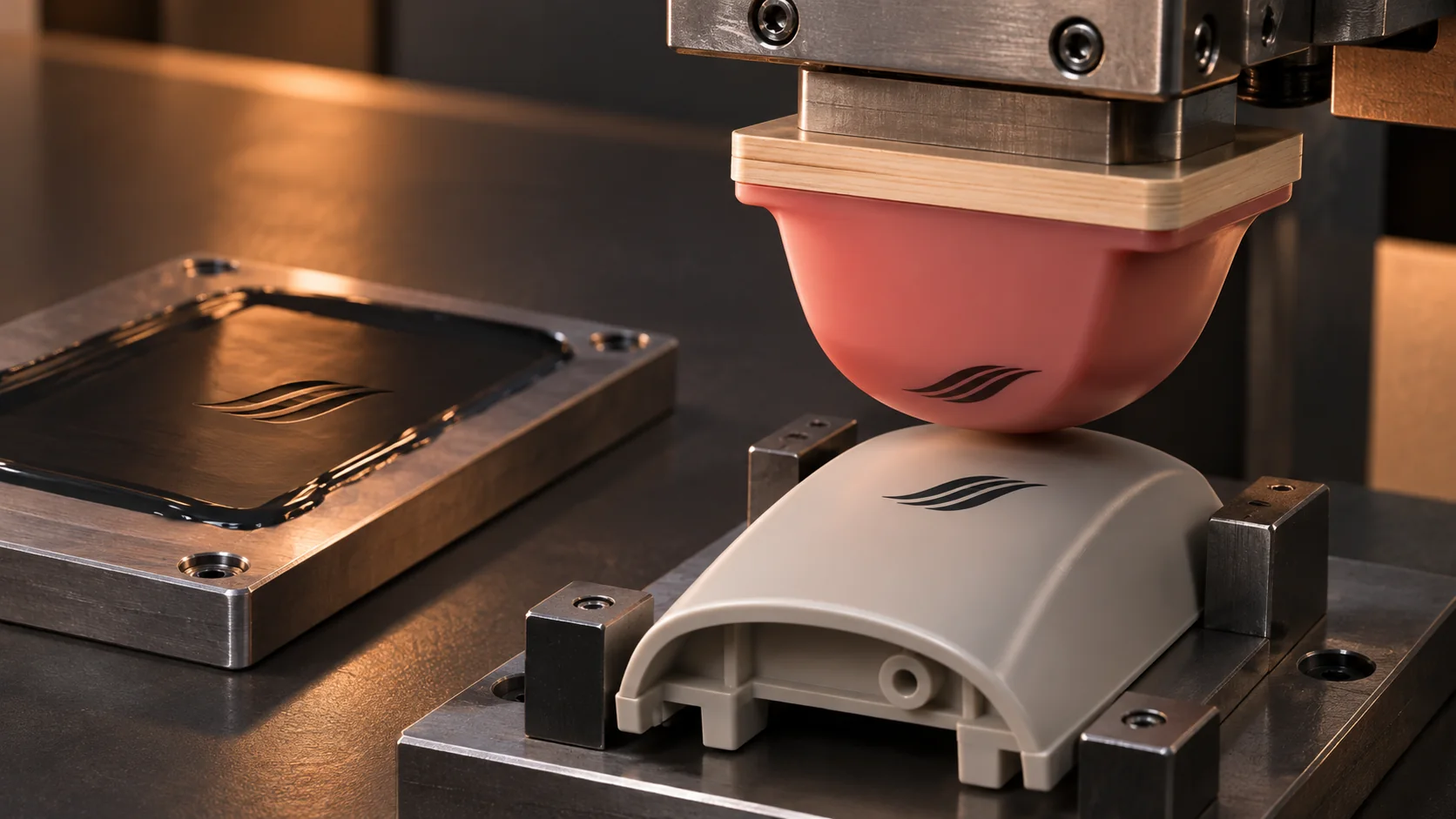
Understand pad printing for small, curved or recessed products, from plates and silicone pads to artwork and samples.
Read the guide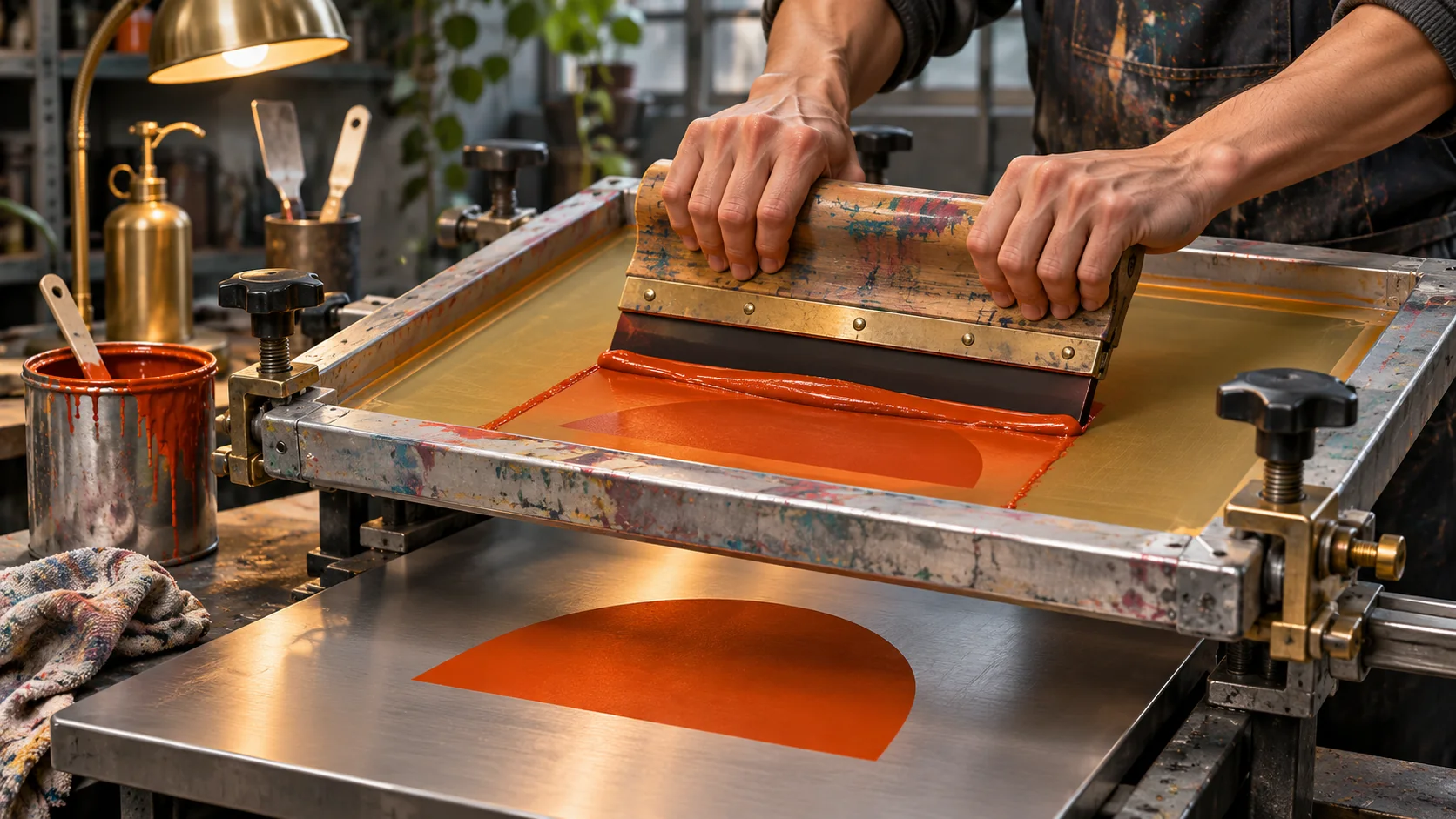
Explore screens, squeegees and fixturing for flat and cylindrical products.
Read the guide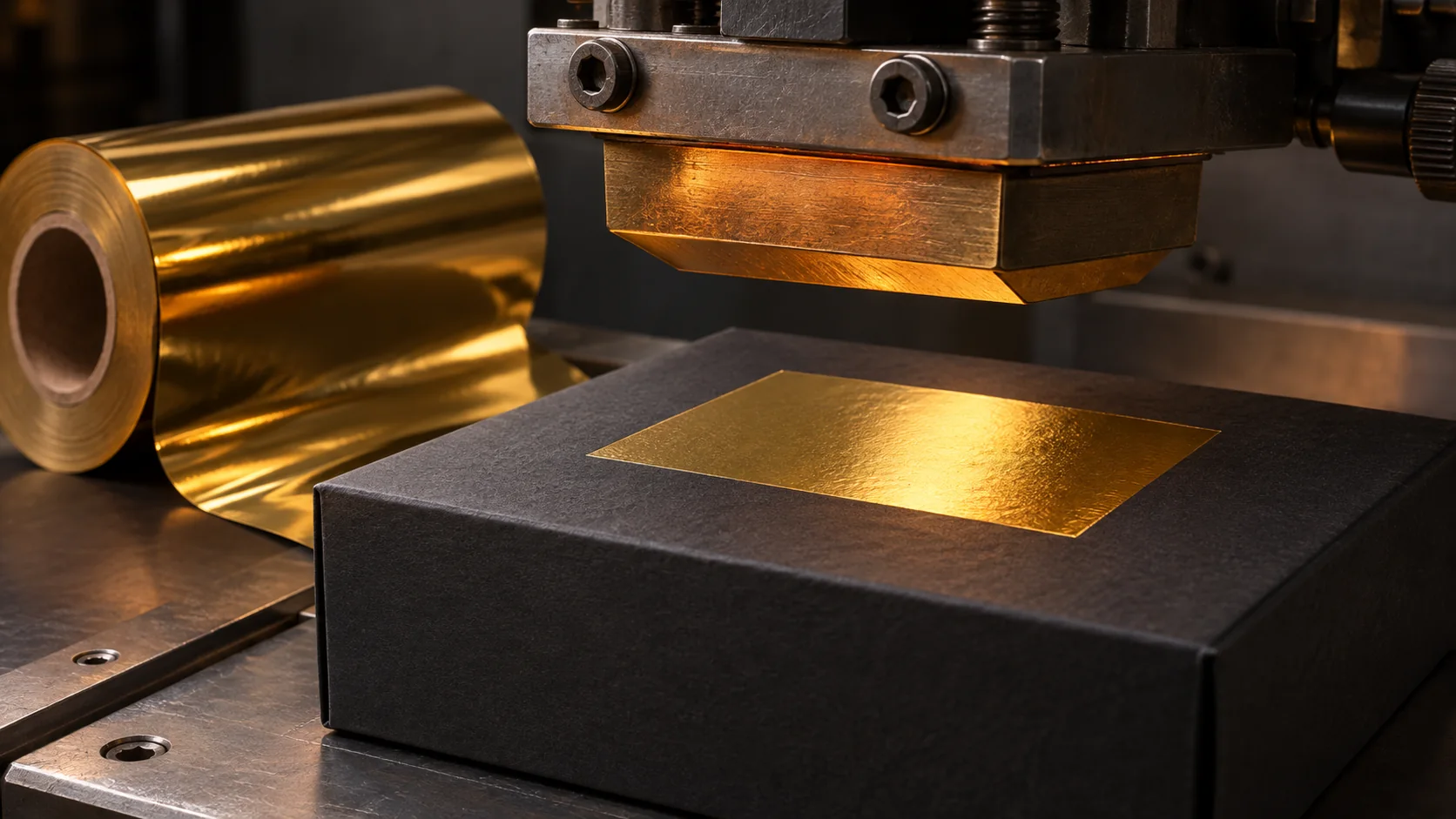
Learn how heat, pressure and a die transfer decorative foil and what to consider before a sample.
Read the guidePad printing transfers an image from a plate to the product with a flexible silicone pad. Its ability to conform to a surface is useful for logos or markings on small and curved parts. Shape alone is not enough: print area, ink and substrate compatibility also matter. Include the material, print position and width × height in your enquiry. For fine-line artwork, sharing the actual print size helps the discussion of pad and plate selection.
Discuss your productScreen printing pushes ink through the open artwork areas of a mesh using a squeegee. A flat panel and a cylindrical bottle have different print movements and fixture requirements. In the catalogue, YLS 2030 belongs to flat printing and YLS 600S to round printing; compare your own product dimensions against each model's technical data. For round products, include the diameter and the intended print area around the surface. Colour count and registration requirements help define preparation.
Discuss your productA heated die and pressure transfer the decorative layer of a foil onto a suitable surface. Metallic or coloured finishes can be considered, depending on the material and foil. There is no single temperature, dwell time or pressure suitable for every product. Share the dimensions, print position and desired finish. Assess heat sensitivity, surface texture and die requirements before choosing a process based only on foil colour.
Discuss your productPlastic, glass, metal and coated surfaces may need different inks and preparation. Specify the exact material if known; simply saying 'plastic' may not be enough. Some surfaces such as PE and PP can require pretreatment or a suitable ink system. Adhesion and resistance depend on the drying or curing conditions in the ink's technical data sheet. Include the product's intended use and any expected abrasion, cleaning or chemical contact.
Discuss your productStart with the product material and dimensions, print width × height, colour count and approximate quantity. Where possible, prepare artwork at actual print size as a vector PDF or AI file; outlining fonts helps prevent changes between computers. Mention if you only have a photograph or low-resolution logo. Include colour expectations, print position, product variants and your target date. Required files and samples can be agreed during the initial discussion.
Discuss your productReview the print area, colour count, product fixturing and frequency of job changes together. Catalogue speed alone does not describe loading, drying and setup time. Check air and electrical requirements in the model's technical table. Use 3D to inspect the general structure, product placement area and different views; rely on verified technical information for installation dimensions and production decisions. Include your workspace, product type and planned quantity.
Discuss your productChoose your needs, share the details and send your enquiry from one place.
Talk to us about machine selection or your printing project.
Message on WhatsApp+90 532 708 71 97Site usage and contact clicks are measured automatically. OK closes this notice.
We record IP address, approximate device and browser details, pages visited, contact clicks and time spent on visible pages.
For approximate country and city, the IP address is sent to GeoJS.
— Visit and contact click data is shared with these providers.